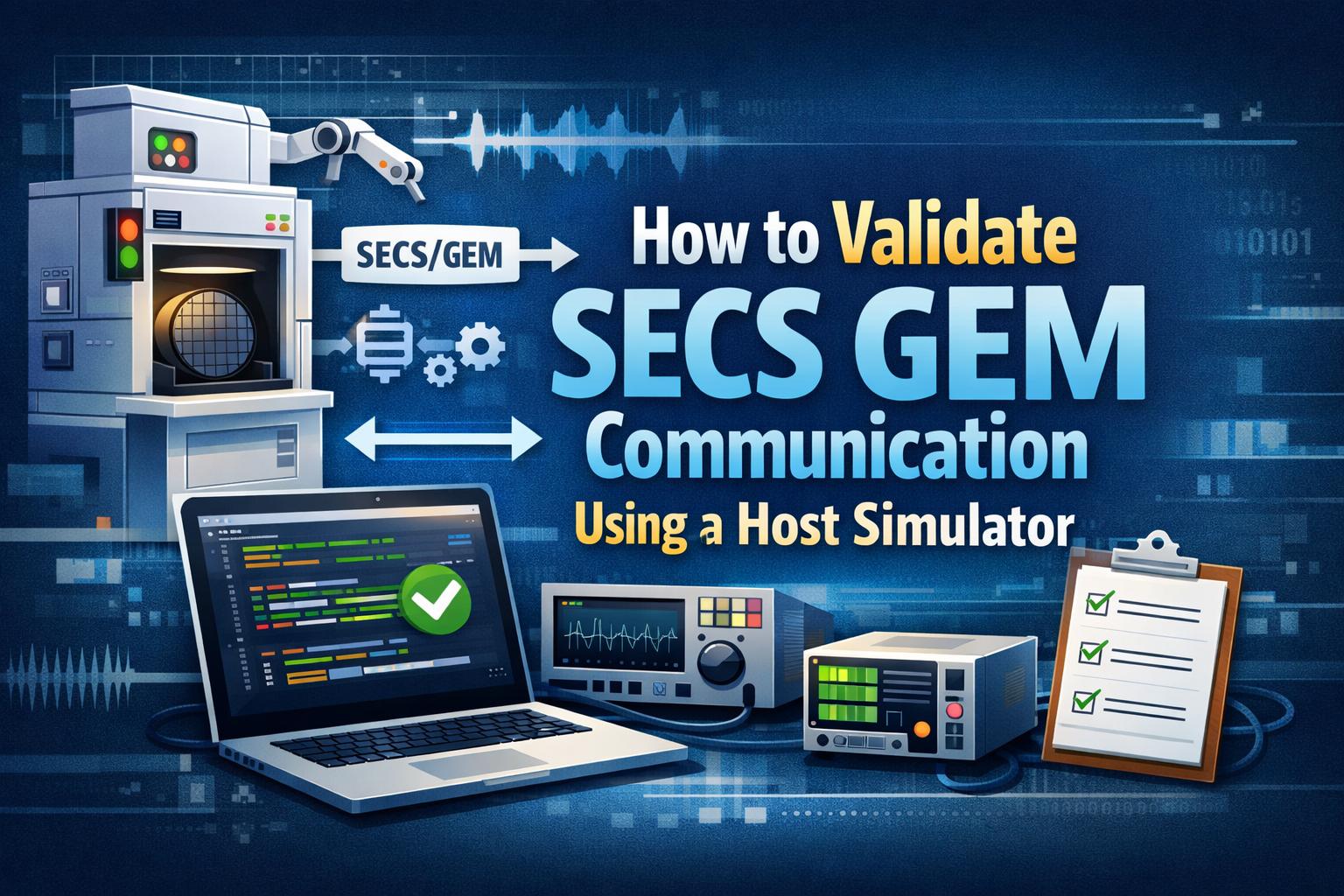
How To Validate SECS GEM Communication Using A Host Simulator
Introduction
In a fab, nothing waits. Machines talk. Systems respond. Everything has to be right.
That’s why SECS GEM communication validation is not optional. It’s critical.
Many teams think once SECS/GEM is implemented, job done. Not really. Small issues hide. Then later… they break production. Seen it happen.
This is where a SECS GEM host simulator comes in. It acts like a real factory host. Sends commands. Receives data. Pushes your equipment to behave correctly. Or fail fast.
Using a good SECS GEM simulator software, you don’t just test connectivity. You test behavior. Timing. Edge cases. The stuff that actually matters.
So let’s walk through it. Step by step. Real-world style. No fluff.
Why Validation Matters More Than You Think
SECS/GEM is not just communication. It’s a contract.
If your tool says “ready” when it’s not… problem.
If alarms don’t trigger… bigger problem.
Proper SECS GEM testing ensures everything behaves as expected. Not just in lab conditions. In real fab scenarios.
Without proper SECS GEM protocol testing, issues show up late. During integration. Or worse, during production.
That’s why fabs insist on strict SECS GEM compliance testing. No validation. No acceptance. Simple.
What is a SECS GEM Host Simulator?
Think of it like this.
You don’t always have a real fab host available. But you still need to test. So you use a SECS GEM host simulator tool.
It mimics the host. Sends commands. Receives responses. Logs everything.
With a proper SECS GEM testing software, you can:
- Simulate host communication
- Trigger alarms and events
- Validate message structures
- Test weird scenarios (yes, those matter)
Some teams even start with a SECS GEM simulator with free trial. Quick setup. Fast validation. No big investment upfront. Makes sense.
Step 1: Start with Communication
Always start here. Always.
If communication fails, nothing else matters.
Run HSMS communication testing:
Connect. Disconnect. Reconnect.
Test timeouts.
Break the connection. See what happens.
Use your SECS GEM SDK testing tool or simulator to send basic messages.
Try S1F1. Wait for S1F2.
During this equipment communication testing semiconductor phase, you’re checking stability. Not perfection yet. Just reliability.
Step 2: Validate SECS-II Messages
Now go deeper.
SECS-II message validation is about structure. Format. Accuracy.
Test messages like:
- S1F1 → basic communication
- S2F41 → remote command
During S1F1 S2F41 message testing, check:
- Is the format correct?
- Is the response valid?
- What happens if data is wrong?
A good SECS GEM simulator software will catch errors quickly. Bad data types. Missing fields. All that.
This step saves hours. Sometimes days.
Step 3: Check the GEM State Model
This one looks simple. But it’s not.
GEM state model validation defines how your equipment behaves.
Offline. Online. Local. Remote.
Test transitions carefully:
- Can commands run in Local mode? (They shouldn’t)
- Is the system ready before execution?
In real SECS GEM compliance testing, many failures happen here. Small logic mistakes. Big consequences.
Step 4: Test Alarms and Events
Now things get interesting.
Alarms are not just notifications. They are decisions.
Run SECS GEM alarm and event testing:
- Trigger alarms
- Clear them
- Check timing
Are events sent instantly? Or delayed?
Using your SECS GEM host simulator tool, simulate multiple scenarios. Normal. Abnormal. Unexpected.
Because in real fabs… unexpected is normal.
Step 5: Validate Data Variables
Data must be right. Always.
Run data variable validation SECS GEM:
- Check values (VIDs)
- Validate reports
- Link events properly
Is the data correct? Or just looks correct?
This matters. Especially when analytics or AI systems depend on it.
Step 6: Test Remote Commands
Now control the equipment.
Using your SECS GEM testing software, send commands:
- Start
- Stop
- Abort
Check behavior:
- Does it execute correctly?
- Does it fail gracefully?
This is real SECS GEM protocol testing. Not theory. Actual control validation.
Step 7: Run Full Simulation
Now bring everything together.
Use your SECS GEM simulator software to simulate full workflows:
- Start process
- Run recipe
- Generate data
- Trigger alarms
This is where hidden issues show up. Timing problems. Data mismatches. State conflicts.
The best SECS GEM simulator helps you catch these early. Before deployment. Before problems.
Choosing the Right Tool
Not all tools are equal. Honestly.
Look for a SECS GEM validation tool that offers:
- Real host simulation
- Easy setup
- Strong debugging
A SECS GEM simulator with free trial is a good way to evaluate quickly.
Also, make sure it works well with your SECS GEM SDK testing tool. Integration matters.
Common Mistakes
Happens more often than you think.
- Skipping edge cases
- Ignoring state validation
- Weak alarm testing
- Only testing “happy path”
Proper SECS GEM communication validation is about depth. Not shortcuts.
Conclusion
At the end of the day, this is simple.
If your communication fails… everything fails.
Using a SECS GEM host simulator and structured SECS GEM testing, you reduce risk. Improve reliability. Speed up integration.
A strong SECS GEM compliance testing process is not extra work. It’s necessary work.
Because in semiconductor manufacturing… small errors don’t stay small.